Let AI answer first
Turn on the AI assistant inside the same TakeMe help bubble already running on your site.
The assistant works with TakeMe’s built-in AI service out of the box.
Every published TakeMe tutorial can become part of the assistant’s knowledge. Create or update a tutorial and the assistant can use that information when answering future questions.
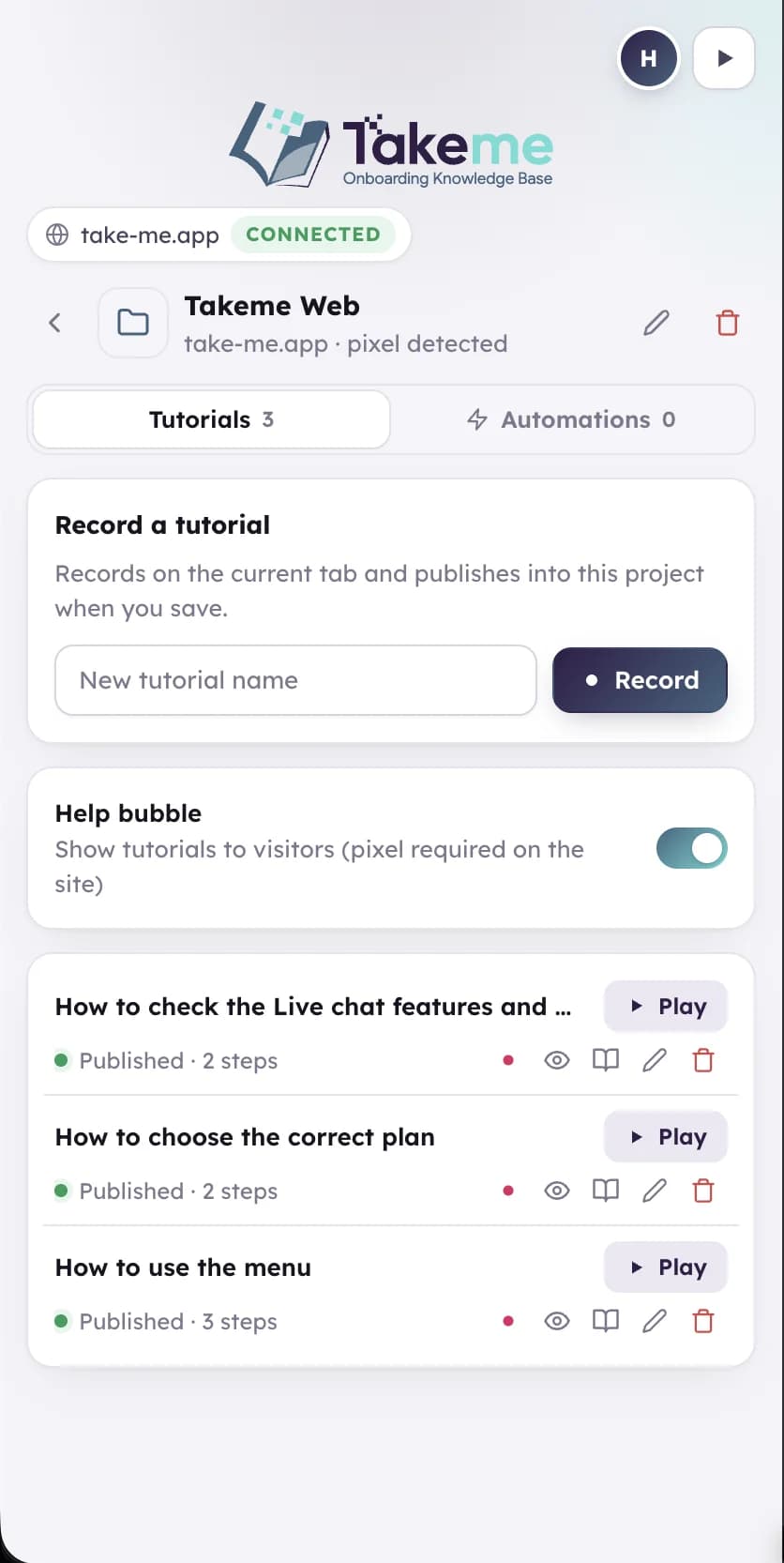
Interactive guidance, show users exactly what to do inside your product.
AI support, answer questions conversationally from that same knowledge.
Features
Everything you need to support visitors in one place
Chat live, collect support requests and capture form submissions without adding separate tools to your website.
AI help assistant
Answer visitor questions instantly using your published tutorials and project knowledge. Responses stay grounded in the information you provide.
Live chat
Talk to visitors in real time when your team is online, directly from the same help bubble already on your site.
Support tickets
Turn every support request into a structured ticket with status, priority, assignment, internal notes and full conversation history.
Knowledge gaps
See the questions your AI could not answer, identify missing documentation and turn those gaps into new tutorials.
Use our AI or yours
Use TakeMe’s built-in AI service or connect your own LLM through a custom service URL. Your tutorials remain the knowledge source.
Chat becomes a ticket
Live conversations automatically stay in the same inbox, so nothing gets lost when the visitor or operator goes offline.
Custom forms
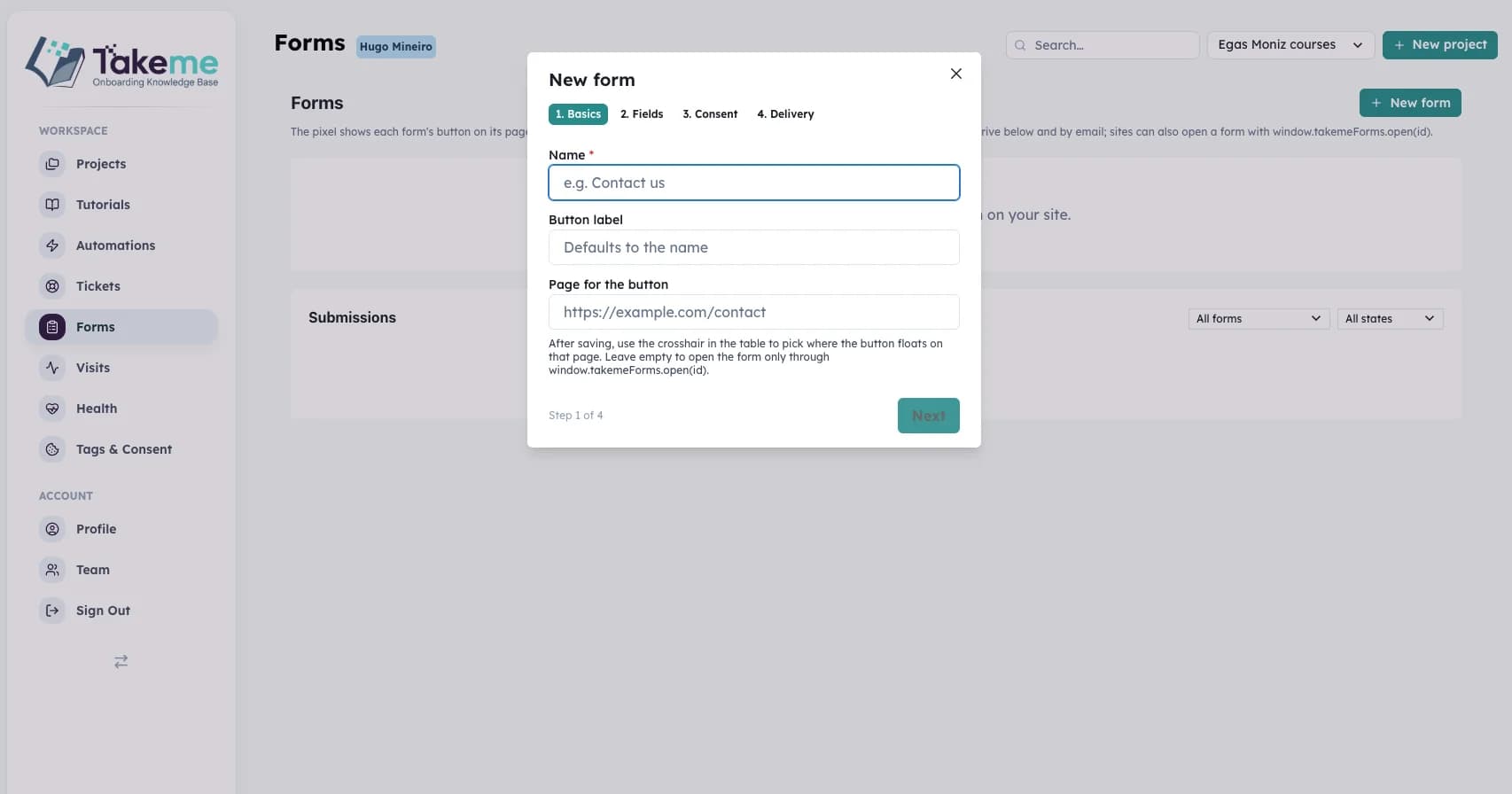
Build contact and lead forms without code, place them visually on your site and manage every submission from TakeMe.
Smart availability
Only offer live chat when someone is actually available. If nobody is online, visitors can leave a message and continue by email.
One shared inbox
Keep chats, tickets and form submissions organized in one place, with mobile-friendly tools for your team to reply from anywhere.
Live Tickets
One help bubble, three levels of support
1. Interactive tutorials
Let visitors solve common tasks themselves with step-by-step guides that highlight the real elements inside your product.
2. AI help assistant
Visitors can ask questions in their own words and get answers based on your published tutorials and project knowledge. When the answer exists, help is instant.
3. Human support
When AI is not enough, the visitor can continue with your team through live chat or a support ticket, with the conversation and context kept together.
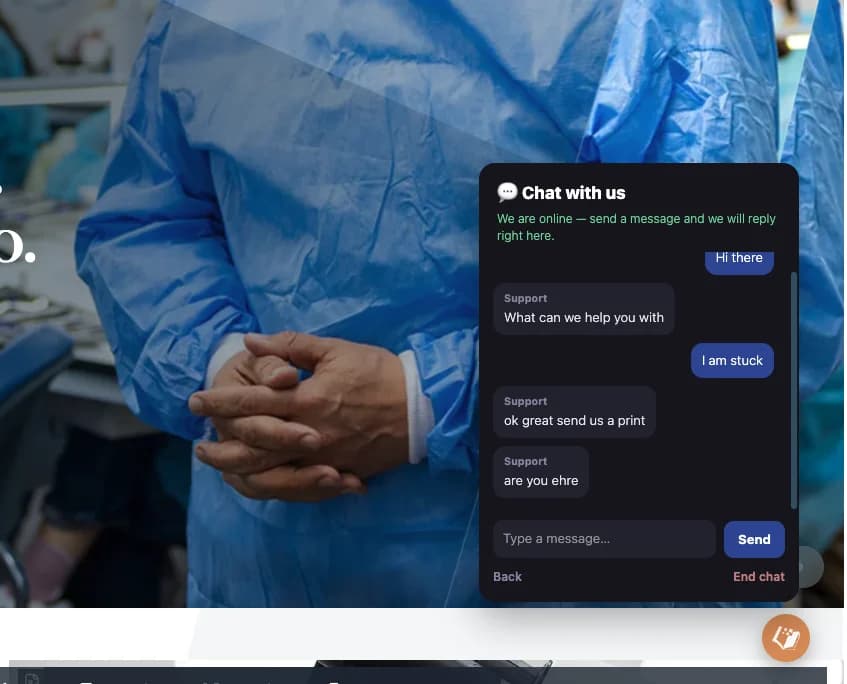

Chat with visitors in real time
Turn conversations into tickets
Keep every request in one inbox
Collect leads with custom forms
Reply by email when chat ends
Show chat only when your team is online
Chat with visitors in real time
Turn conversations into tickets
Keep every request in one inbox
Collect leads with custom forms
Reply by email when chat ends
Show chat only when your team is online
Chat with visitors in real time
Turn conversations into tickets
Keep every request in one inbox
Collect leads with custom forms
Reply by email when chat ends
Show chat only when your team is online
Chat with visitors in real time
Turn conversations into tickets
Keep every request in one inbox
Collect leads with custom forms
Reply by email when chat ends
Show chat only when your team is online